Shared wishlists,
without the spoilers.
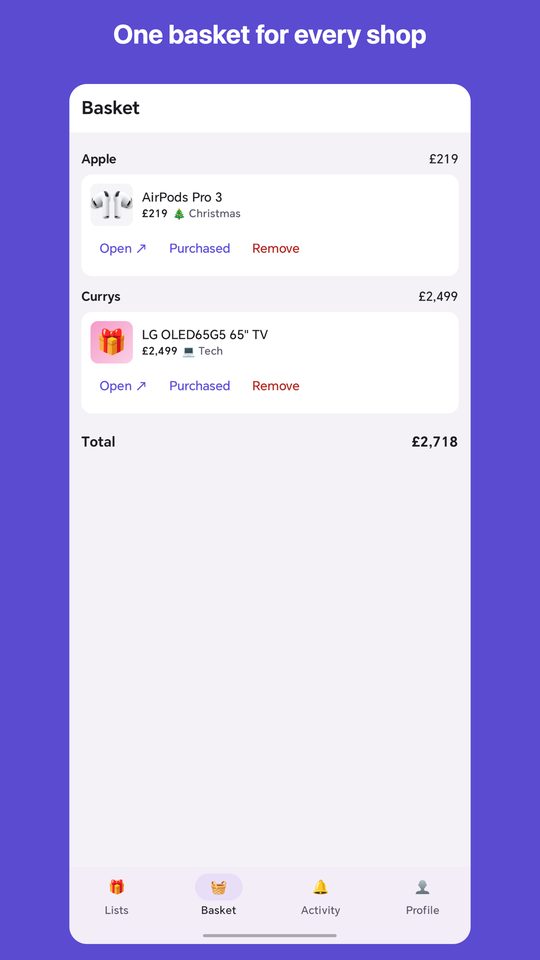
Paste a link from any shop to fill in the photo and price, reserve gifts in secret, and keep one basket across every shop. One-time payment, no ads.
 Google Play: coming soon
Everything in one list
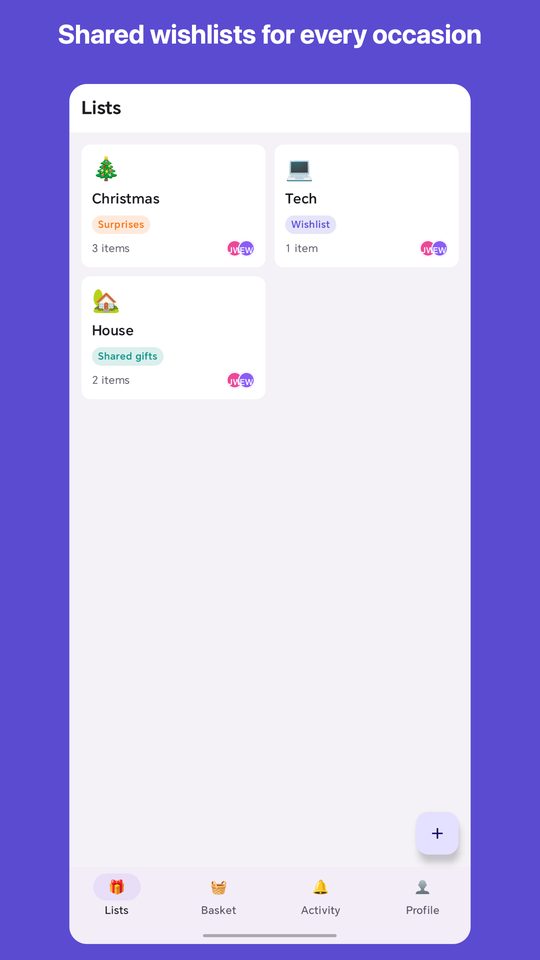
Built for birthdays, Christmas and everything in between.
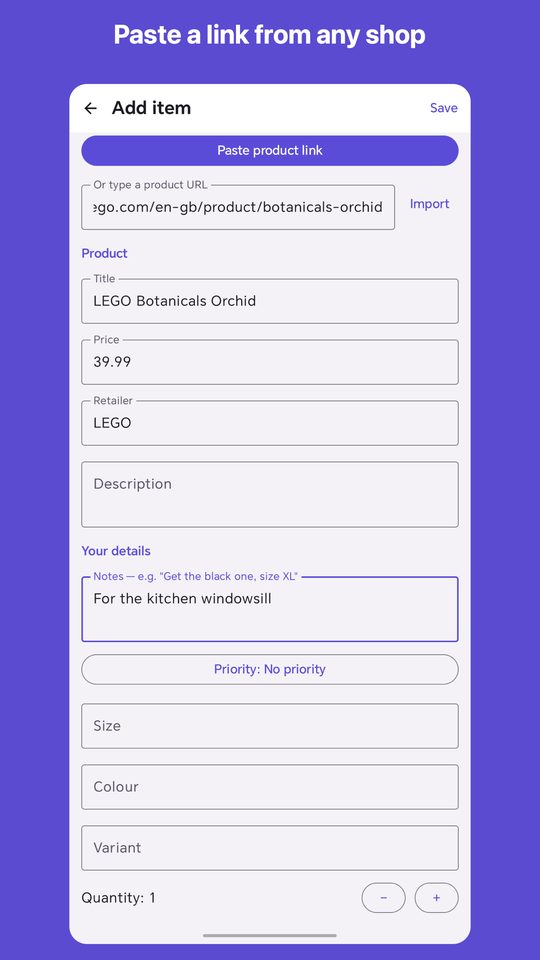
- Add from any shopPaste a link or share from a shop's app. Photo, title and price fill in for you.
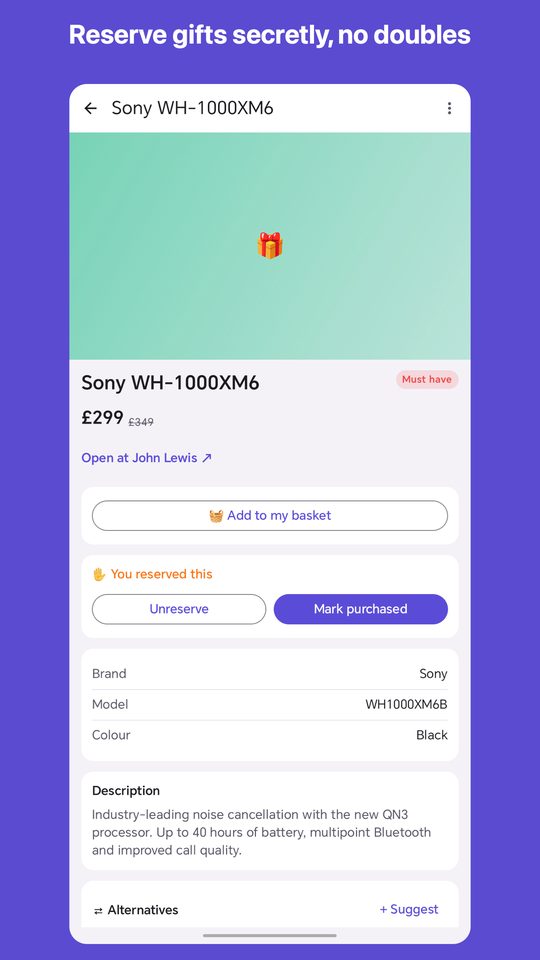
- Secret reservationsFriends reserve gifts without the list owner ever seeing.
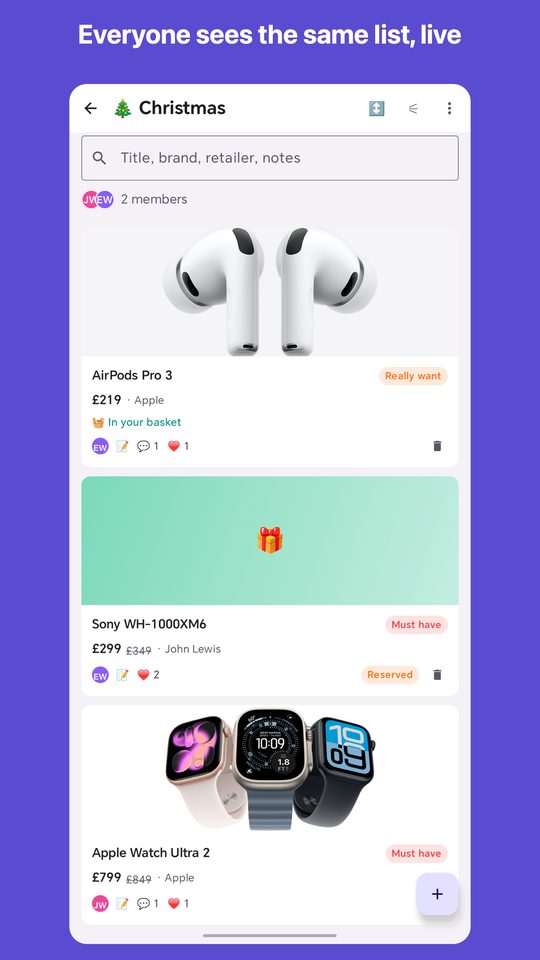
- Share with familyInvite people to a list and plan presents together.
- Private by designNo ads, no tracking, and an optional app-lock PIN.
Support
Email [email protected]. We usually reply within two working days. If something isn't working, tell us which phone you use and what you tapped, and attach a screenshot if you can.
How do I add an item?
Copy a product link from any shop and paste it into WantWithMe, or use your phone's Share button in the shop's app or browser and choose WantWithMe.
Can the list owner see what I reserved?
No. Reservations are hidden from the person whose list it is, so the surprise is kept.
How do I share a list?
Open the list and tap Share. Anyone with the invite can join after signing in.
I bought Pro on another phone. How do I get it back?
Sign in with the same account and go to Profile, then Restore Purchases.
I forgot my app-lock PIN.
Use Forgot PIN on the lock screen and sign in again to reset it.
How do I delete my account?
Go to Profile and choose Delete Account, or email [email protected] from the address on your account.